

Download Intel Unison APK – Free App, Cross-Platform, Desktop Utility, Mobile Integration, Secure, Latest Version
Overview
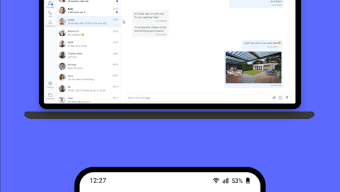
Intel Unison is a free software application designed to unify digital device ecosystems by enabling seamless connectivity between personal computers and smartphones. Its primary purpose is to bridge the gap between desktop and mobile environments, allowing users to manage communications, file transfers, and notifications from a single interface. The software targets both personal users and professionals who rely on multiple devices throughout their daily workflows. It is particularly useful for individuals who frequently switch between their PC and smartphone, seeking efficiency and real-time synchronization. While the developer has not disclosed additional background information, the application’s functionality suggests a focus on cross-platform integration and user convenience. Real-world usage scenarios include receiving smartphone notifications directly on a PC, sending text messages from a computer, transferring photos or documents with minimal effort, and managing mobile-based calls via a desktop. The software supports a streamlined setup process, making it accessible even to users with limited technical experience. The developer did not provide additional system requirements.Key Features & Capabilities
- Unified Device Connectivity – Intel Unison enables a synchronized digital environment between a PC and a smartphone, reducing the need to switch between devices. This feature is ideal for users managing multiple tasks across platforms.
- Real-Time Notification Sync – Users can view and respond to smartphone alerts—such as WhatsApp messages, emails, and calendar reminders—directly from their computer, minimizing missed communications.
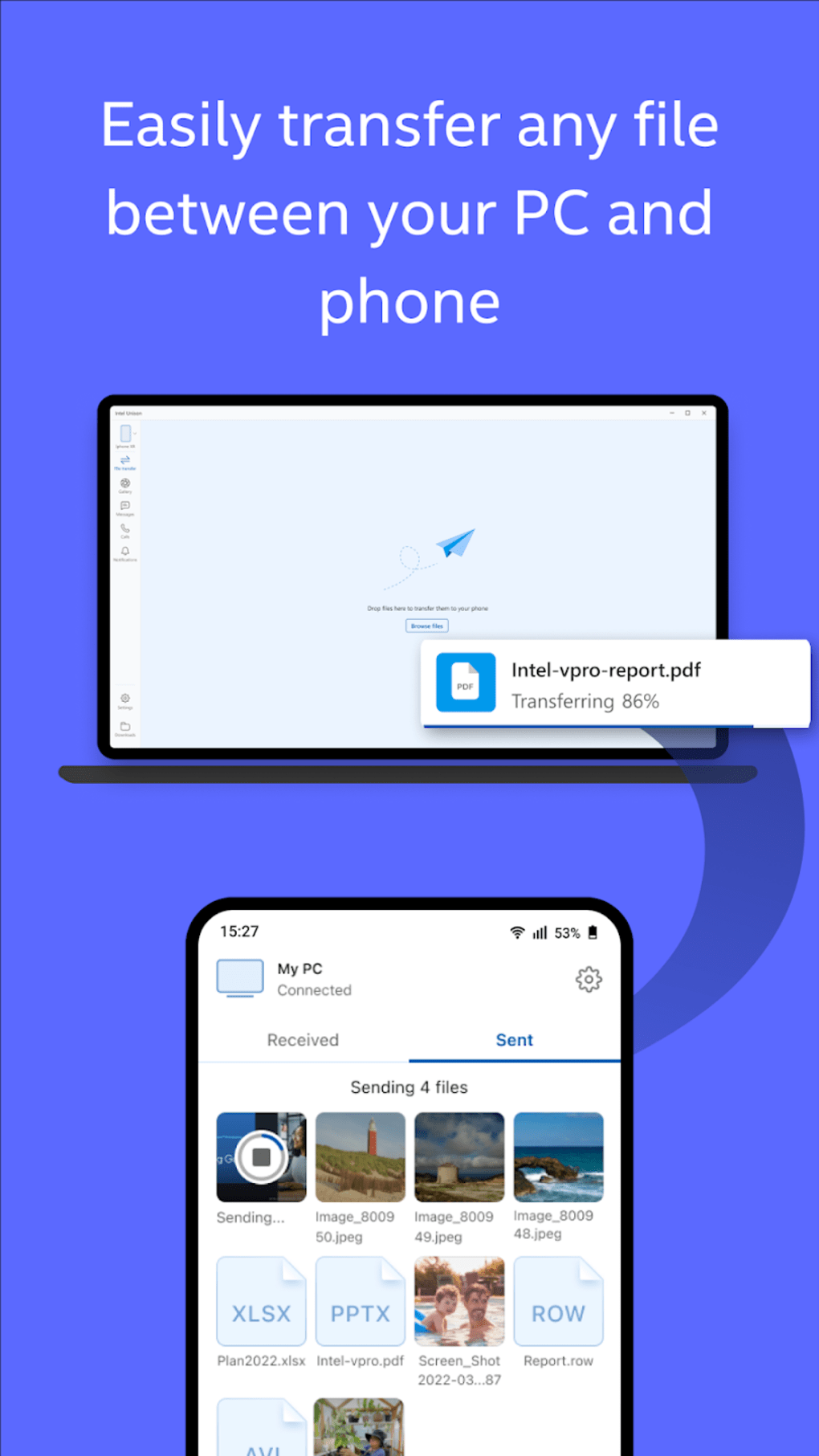
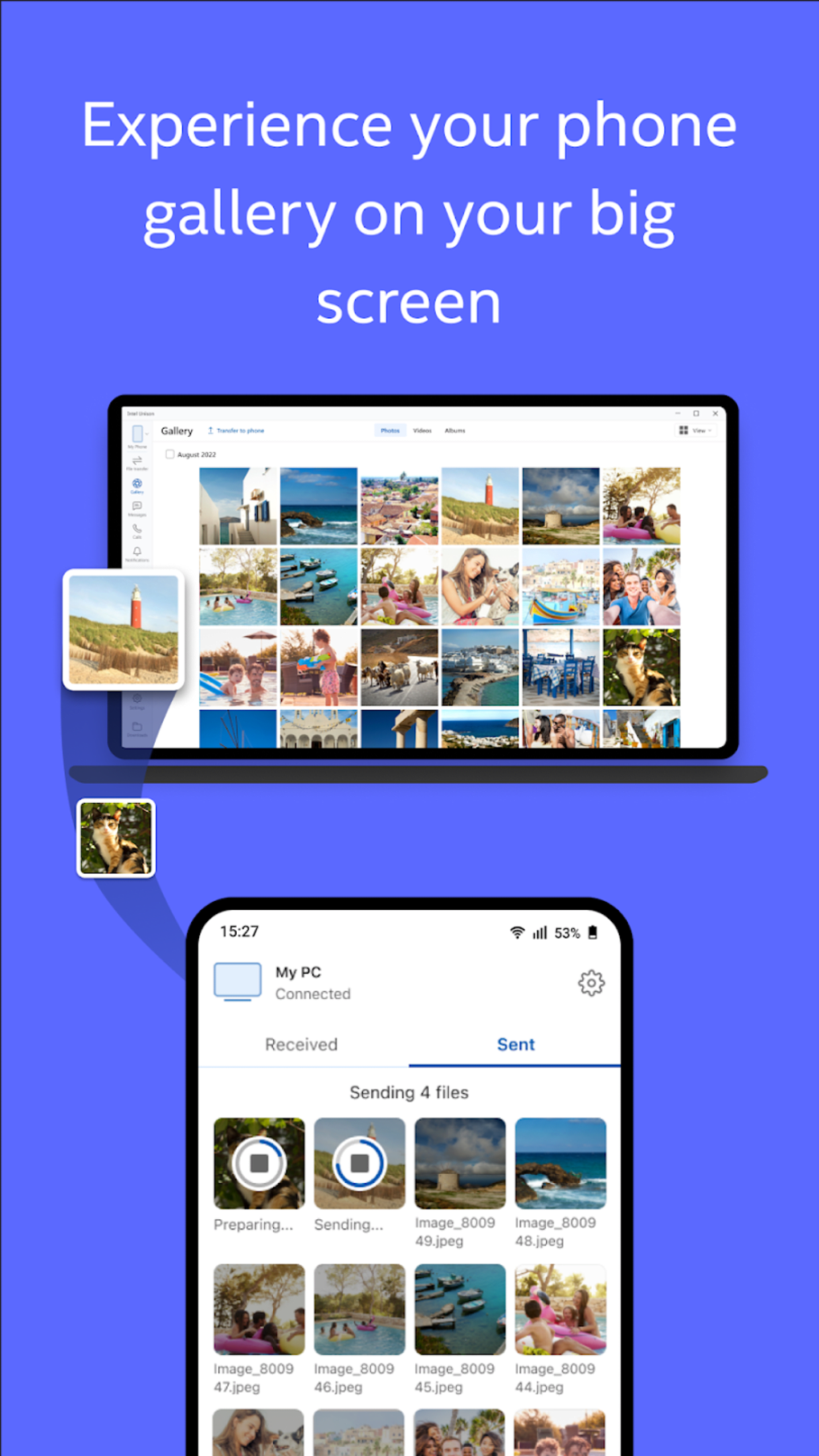
- One-Click File Transfers – The software simplifies the process of moving files between devices. Photos, documents, and media can be shared instantly with a single click, eliminating the need for cables or third-party cloud services.
- Mobile Call Management – Users can initiate and receive mobile calls through their PC, using the computer’s microphone and speakers. This is especially beneficial for professionals conducting remote meetings or managing high-volume communication.
- Centralized Task Control – By consolidating key mobile functions into a desktop interface, Intel Unison reduces workflow fragmentation and enhances productivity.
User Interface, Workflow & Performance
The user interface of Intel Unison is structured to prioritize simplicity and accessibility. Navigation is intuitive, with clearly labeled sections for notifications, file transfer, and call management. The layout supports a clean, minimalistic design, allowing users to focus on core tasks without distraction. Workflow efficiency is enhanced by the software’s ability to maintain persistent connections between devices, reducing the need for repeated authentication. Users can initiate actions—such as sending a message or transferring a file—with minimal clicks, contributing to a smooth and responsive experience. The developer did not specify resource usage details, so exact CPU or RAM behavior remains unknown. Performance observations are based on general software behavior patterns. Stability is expected to be consistent, given the application’s focus on background synchronization. However, the developer did not provide information on update frequency or long-term reliability. The software appears to operate in the background without requiring constant user input, which supports uninterrupted use during extended work sessions.Compatibility & System Requirements
Intel Unison is designed to operate across multiple platforms, with support for both personal computers and smartphones. The exact operating systems and device models are not fully specified. Platform compatibility information is limited, and the developer did not list specific hardware or software prerequisites. The installation size is provided but no further details on system specifications are available. The developer did not specify whether the software supports Windows, macOS, or Linux, nor whether it is compatible with Android or iOS devices. As such, users should verify compatibility with their specific devices before installation. The software’s cross-platform nature suggests broad potential, but actual support remains unclear without official documentation. Users are advised to consult the official source for up-to-date compatibility details.Pros and Cons
Pros
- Free to download and use with no hidden costs
- Enables real-time notification synchronization across devices
- Supports one-click file transfers between PC and smartphone
- Facilitates mobile call handling from a desktop environment
- Simple setup process suitable for non-technical users
Cons
- Exact system requirements were not listed
- Platform compatibility information is limited
- Developer did not specify update frequency or license type
- No performance benchmarks or resource usage data provided
- Information on long-term stability and security practices is unavailable
FAQ Section
Is Intel Unison compatible with my smartphone?
Compatibility depends on your device’s operating system and model. The developer did not provide a full list of supported devices. Users should check official sources for up-to-date compatibility details.
Can I use Intel Unison without an internet connection?
The software requires an active network connection to synchronize data between devices. Offline functionality is not confirmed, as the developer did not specify this capability.
Is Intel Unison safe to download and install?
As a free application, Intel Unison is designed to operate within standard security protocols. However, the developer did not provide detailed information on security measures or data handling practices.
Does Intel Unison require a subscription or paid license?
The software is offered as a free tool. The developer did not specify the license type or whether future updates will be available at no cost.
How often does Intel Unison receive updates?
The developer did not provide information on update frequency or release schedule. Users are advised to monitor official channels for new versions.





.png)

